
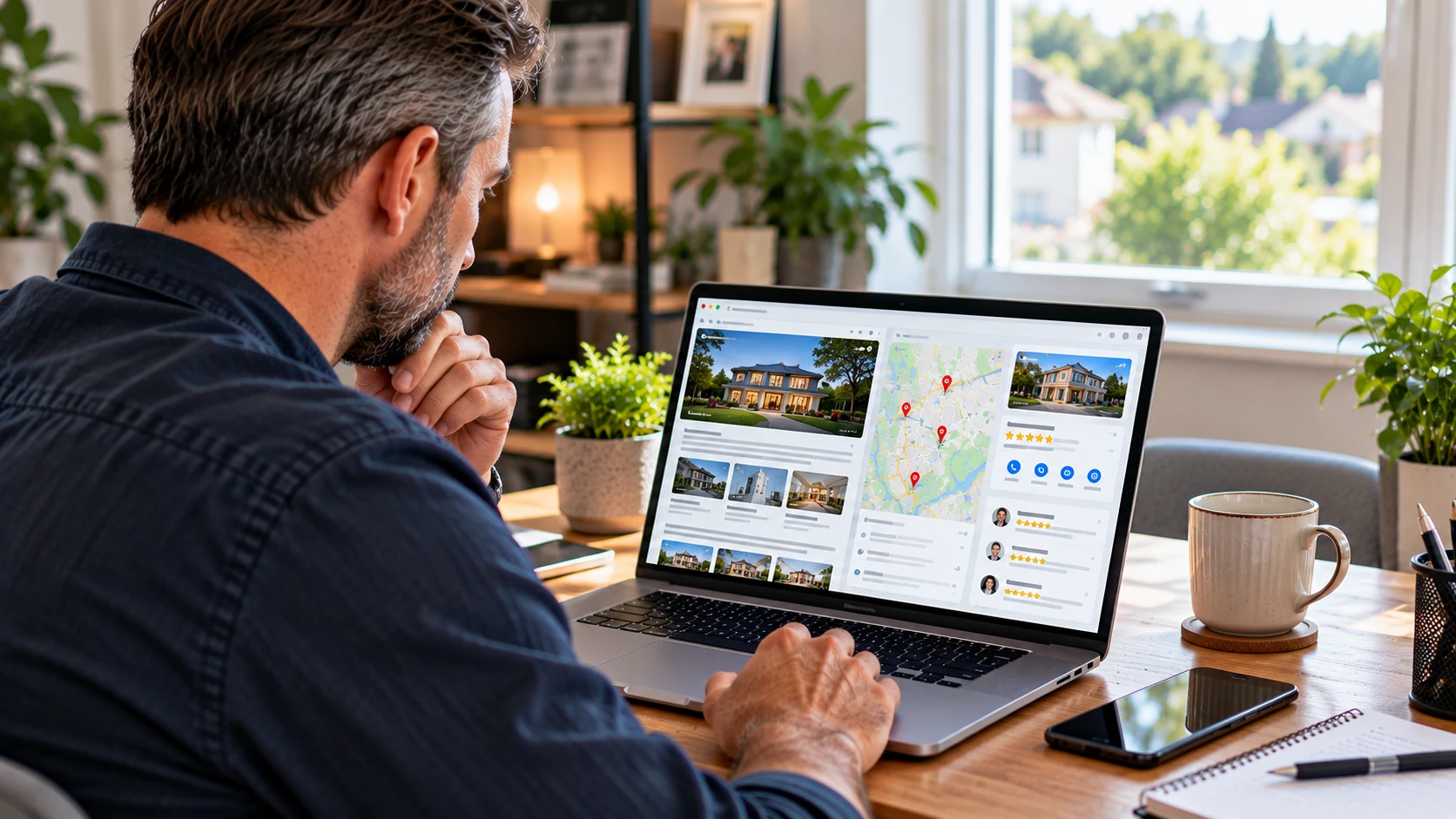
Google regularly changes small parts of the local search experience. Some changes are easy to miss, but they can still affect how customers behave when they find your business on Google Search or Google Maps.
One recent change around Google reviews is a useful reminder that reviews are not just a nice extra on your Google Business Profile. They influence trust, enquiries, phone calls, directions requests and whether someone chooses you over another local business.
For UK local businesses, the practical question is not simply whether Google has added a new button. The better question is: is your review system ready for customers who now have more ways to interact with your reputation?
This article explains what to check, what to improve, and how to treat reviews as part of your wider local visibility, without overcomplicating the process.
Why small review changes matter
When Google adds, moves or tests a button connected to reviews, it usually means Google is trying to make the review experience easier for users. That may involve helping people read reviews, leave reviews, filter reviews, or take action after seeing them.
For a customer, reviews help answer simple but important questions:
- Can I trust this business?
- Do they do the type of work I need?
- Are recent customers happy?
- Does the business respond professionally?
- Do they serve people like me in my area?
If Google makes any of that easier to see or use, your reviews become even more important. A business with clear, recent and relevant reviews is likely to feel more credible than one with old, vague or unanswered reviews.
This is not about chasing every minor Google update. It is about keeping the foundations strong so that when Google changes the layout, your business still presents well.
Your reviews are part of your shop window
Many local business owners still think of reviews as feedback. They are that, but they are also part of your public first impression.
Before someone visits your website, phones you, books a table, requests a quote or asks for directions, they may scan your Google reviews. In a few seconds, they can form an opinion about your reliability, service and professionalism.
That means reviews should not be left to chance. You do not need to script customers or pressure anyone. You do need a simple and consistent way of asking happy customers to share their experience.
A good review request can be as simple as:
- Thanking the customer after the job or purchase is complete.
- Asking if they would be willing to leave a Google review.
- Sending the review link by text, email or invoice note.
- Making it clear that honest feedback is welcome.
The easier you make it, the more likely a satisfied customer is to do it. If you leave it for a few weeks, the moment has usually passed.
Check that your review link is easy to use
If Google is giving customers more prompts around reviews, you should make sure your own review process is not clunky.
Find your Google review link from your Google Business Profile and test it as if you were a customer. Open it on a mobile phone, not just on your desktop. Most customers will use a phone.
Check the following:
- Does the link open the correct business profile?
- Is it easy to leave a star rating and comment?
- Are customers being sent to an old or duplicate profile by mistake?
- Is the link included in the places where customers are most likely to use it?
If you have changed business name, address, service area or ownership in the past, this matters even more. Confusion around profiles can split your reputation and make your business look less established than it is.
If your profile basics need attention, the Google Business Profile Optimisation Guide is a useful place to start.
Ask for reviews at the right moment
Timing is often the difference between getting a review and being forgotten.
The best time to ask is usually when the customer has just had a positive outcome. For a tradesperson, that might be when the work is finished and the customer is pleased. For a restaurant, it may be shortly after the visit. For a professional service, it could be after a successful appointment, completed project or helpful consultation.
Avoid asking too early, before the customer has experienced the result. Also avoid asking in a way that feels forced. A calm, polite request works better than a long explanation.
For example:
Thank you for choosing us. If you were happy with the service, we would really appreciate a short Google review. It helps other local customers decide whether we are the right business for them.
This kind of wording explains why the review matters without sounding pushy.
Respond to reviews like future customers are watching
Review replies are not only for the person who left the review. They are also read by potential customers who want to see how you deal with people.
A good reply to a positive review does not need to be long. Thank the customer, mention the service if appropriate, and keep it natural.
For example:
Thank you for taking the time to leave a review. We are pleased you were happy with the service and appreciate your support.
For negative reviews, stay calm. Do not argue publicly, even if you feel the review is unfair. A measured response helps protect trust.
You might say:
Thank you for your feedback. We are sorry to hear you were unhappy and would like to understand what happened. Please contact us directly so we can look into this properly.
This shows that you take feedback seriously without getting drawn into a public dispute.
Make reviews more useful by encouraging detail
Some reviews are very short, such as “Great service” or “Highly recommended”. These are still helpful, but more detailed reviews often give future customers better context.
You cannot tell customers what to write, and you should not offer rewards for positive reviews. But you can encourage useful, honest detail by asking a better question.
Instead of simply saying “Please leave us a review”, you could say:
- What service did we help you with?
- What did you find most useful?
- Would you recommend us to someone local?
This helps customers think about their experience. It can also naturally include the services, locations and situations that matter to future customers.
Keep your wider profile in line with your reviews
Reviews work best when the rest of your Google Business Profile supports the same message.
If your reviews mention helpful staff, fast response times, tidy workmanship, specialist services or particular local areas, your profile should not feel empty or outdated. Your services, description, opening hours, photos and posts should all support what customers are saying.
This is especially important because customers often compare several businesses quickly. They may look at your rating, read a few reviews, check your photos, then decide whether to call.
Photos can play a strong role here. If you have recent reviews but old or low-quality images, the overall impression can feel inconsistent. The Google Business Profile Photos Guide explains how photos can support trust and local visibility.
It is also worth checking whether your review activity is reflected in your performance data. Your profile insights can help you understand whether people are calling, clicking, requesting directions or viewing your business more often. For a clearer explanation, see Google Business Profile Insights Explained.
Use reviews to improve the business, not just the profile
Reviews are a visibility asset, but they are also a useful source of business intelligence.
Look for patterns. Are customers regularly praising the same thing? That may be something to highlight more clearly in your marketing. Are there repeated complaints about communication, timing, parking, booking or aftercare? That may point to a process that needs improving.
Local visibility is not only about appearing on Google. It is about being chosen once you appear. Reviews show what real customers value, and they can help you improve both your service and your messaging.
This article is based on the ideas discussed in the embedded video, with added UK local business context and practical guidance for business owners.
A simple review routine for local businesses
You do not need a complicated review system. A simple routine, followed consistently, is usually enough for most local businesses.
- Check your profile weekly. Look for new reviews, unanswered reviews and any profile changes.
- Ask happy customers promptly. Send your review link while the experience is still fresh.
- Reply to every genuine review. Keep replies polite, brief and professional.
- Record common themes. Note what customers praise or complain about.
- Update your profile regularly. Keep services, photos, posts and opening hours accurate.
This routine helps you stay visible, credible and responsive without spending hours each week on Google.
What not to do with Google reviews
It is worth being clear about the mistakes to avoid.
- Do not buy reviews.
- Do not ask staff, friends or family to leave fake reviews.
- Do not offer discounts or gifts in exchange for positive reviews.
- Do not copy and paste the same reply to every customer.
- Do not ignore negative reviews.
- Do not set up a second profile to escape poor reviews.
These shortcuts can damage trust and may cause problems with your profile. A steady flow of genuine reviews is far better than a sudden burst of questionable ones.
The practical takeaway
Google review features will continue to change. Buttons may move, new options may appear, and customers may be given more ways to interact with reviews directly in Search or Maps.
The businesses most likely to benefit are not necessarily the ones that react to every tiny update. They are the ones with the basics in place: an accurate profile, recent reviews, professional replies, useful photos and a simple process for asking satisfied customers for honest feedback.
If reviews have been treated as an afterthought, now is a good time to bring them into your regular local visibility routine. A few small habits can make your Google Business Profile more useful for customers and more trustworthy when they are deciding who to contact.
Useful Related Pages
Related Articles
How Local Businesses Can Compete More Effectively in Google Maps
A practical guide for UK local businesses on improving Google Business Profile visibility, building trust, and competing more effectively in local search.
Why a Google Business Profile Cannot Replace a Proper Website
A Google Business Profile supports local discovery, but a proper website gives a business greater control, depth and long-term ownership of its information.