
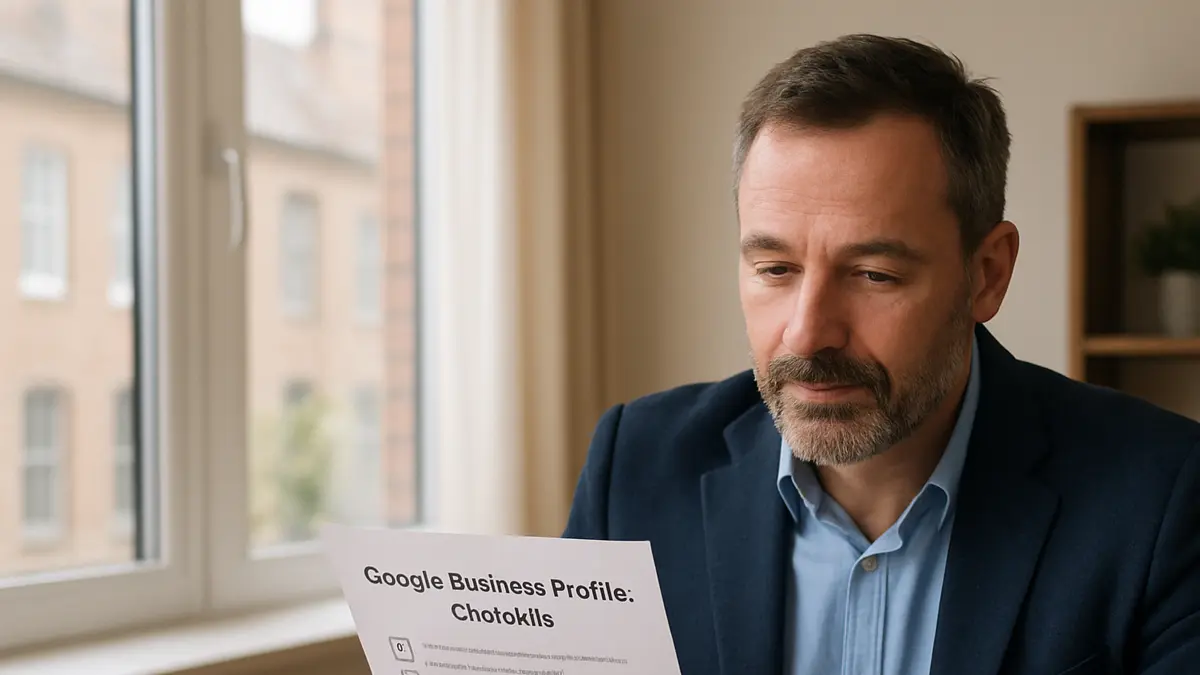
Many local businesses in the UK have a Google Business Profile that is technically live, but not working as hard as it could. The profile appears when someone searches the business name, there may be a few photos, perhaps a dozen reviews, and the opening hours are mostly correct. On the surface, it looks fine.
The problem is that Google Business Profile is often one of the first places a potential customer decides whether to call, visit, request a quote, or move on to a competitor. A profile does not need to be perfect, but it does need to look complete, active and trustworthy.
This article walks through a practical audit process for a small local business. It is not about tricks or shortcuts. It is about checking the areas that often hold a business back in Google Search and Google Maps, then improving them in a sensible order.
Start With The Basics Before Looking For Advanced Issues
The first stage of any Google Business Profile audit is not glamorous. It is simply checking whether the core information is accurate and consistent.
Look at the business name, address, phone number, website link, opening hours and service area. These details should match what appears on your website, invoices, social media pages and other business listings. Small differences can create confusion for customers, especially if they are trying to visit your premises or call during working hours.
If you are a service-area business, such as a plumber, electrician, cleaner or mobile therapist, check that your service areas are realistic. Listing every town in the region may look tempting, but it can make the profile feel vague. It is usually better to show the areas you genuinely serve well.
Also check your business category. The primary category has a strong influence on where your profile can appear. A restaurant, roofer, accountant or dog groomer should not choose a broad category if a more accurate one exists. Secondary categories can help, but the primary category needs to describe the main thing you do.
Reviews Matter, But Not Only The Number
A business with 12 Google reviews is not in a hopeless position. In some smaller towns or specialist sectors, that may be a reasonable start. However, the review profile needs to build steadily over time.
When auditing reviews, look beyond the star rating. Ask these questions:
- Are the reviews recent, or were most of them left months or years ago?
- Do customers mention specific services, locations or staff members?
- Has the business replied to reviews in a professional way?
- Are there obvious gaps compared with nearby competitors?
A steady flow of genuine reviews helps people see that the business is active and trusted. Replies also matter. A short, polite response shows that you are paying attention. You do not need to write an essay. Thank the customer, refer naturally to the service if appropriate, and keep the tone human.
For negative reviews, stay calm. Do not argue. A practical response that acknowledges the concern and offers to discuss it privately will usually serve you better than a defensive reply. Future customers often judge how you respond as much as the review itself.
Check Whether The Profile Explains What You Actually Do
Many profiles are too thin. They show a category and a phone number, but they do not clearly explain the services the business offers. This is a missed opportunity.
Use the services section properly. Add the main services people search for and write plain descriptions. For example, a local garage might include MOT testing, car servicing, brake repairs and diagnostics. A beauty salon might include facials, waxing, gel nails and massage. The aim is not to stuff keywords in, but to make the profile useful.
Your business description should also be clear. Say who you help, where you work, and what you provide. Avoid phrases that could apply to any business, such as high quality service or customer focused solutions, unless you back them up with something specific.
If you need a deeper checklist, the Google Business Profile Optimisation Guide is a useful next step for reviewing the main parts of your profile in a structured way.
Photos Are A Trust Signal, Not Decoration
Photos are often neglected, especially by service businesses. Yet they can make a profile feel far more trustworthy. People want to know who they are dealing with, what your work looks like and whether the business appears genuine.
A good profile does not need expensive photography. It does need real images. Useful photo ideas include:
- Your shopfront, van, office or workspace.
- Team members in normal working situations.
- Completed work, where appropriate and with permission.
- Products, treatment rooms, equipment or customer areas.
- Before and after examples, if suitable for your sector.
Avoid relying only on stock images. They can make a local business look less personal. If your competitors have real photos and you do not, customers may feel they know them better before they even get in touch.
For more detail on what to upload and how to keep images useful, see the Google Business Profile Photos Guide.
Look At Activity, Not Just Completion
A completed profile is a good start, but an active profile is usually stronger. This does not mean posting every day. It means showing signs that the business is open, responsive and current.
Google Posts can be used for offers, service updates, seasonal messages, recent work, events or helpful reminders. A local business does not need to overthink this. If you are already answering the same customer questions each week, some of those answers can become short updates.
Examples include reminding customers to book boiler servicing before winter, showing a recent landscaping project, announcing new appointment availability, or explaining a change to opening hours over a bank holiday.
Activity also includes keeping hours up to date, adding new photos, responding to reviews and checking messages if you have that feature enabled. These small actions help the profile look cared for.
Compare Against Real Local Competitors
A useful audit should not judge your profile in isolation. It should compare it with the businesses that already appear for the searches you care about.
Search for your main service in your town or area and look at the map results. Notice what the visible competitors have in common. They may have more reviews, stronger categories, better photos, clearer service lists, or more consistent information across the web.
This is not about copying them. It is about understanding the local standard. If the top visible businesses have 80 recent reviews, a profile with 12 older reviews may need a review plan. If competitors show clear photos of their premises and work, a profile with one logo image may feel weak. If their services are detailed and yours are empty, that is an obvious fix.
Make notes on what is genuinely useful, then improve your own profile in a way that reflects your business honestly.
Do Not Ignore The Website Linked From The Profile
Your Google Business Profile and website should support each other. If someone clicks through from your profile, they should land on a page that confirms they are in the right place.
Check whether your website clearly shows your services, location, contact details and proof of trust. Proof might include reviews, case studies, photos of work, accreditations, guarantees, team information or clear answers to common questions.
If your profile says you offer emergency plumbing in Cardiff, but your website barely mentions plumbing or Cardiff, that disconnect can weaken the customer journey. The page does not need to be complicated, but it does need to be relevant.
This also matters as search becomes more influenced by AI summaries and answer engines. Clear, consistent information across your profile and website helps search systems understand what your business does and where it operates.
This article is based on the ideas discussed in the embedded video, with added UK local business context and practical guidance for business owners.
Use Insights To Guide Your Next Actions
After making improvements, do not rely on guesswork. Google provides performance information that can help you understand how people find and interact with your profile.
Look at calls, direction requests, website clicks and search terms where available. These figures are not perfect, but they can show useful patterns. For example, you may notice that more people request directions after you add better photos, or that certain services appear more often in search activity.
The important point is to review trends over time rather than reacting to one quiet week. Local search can be affected by seasonality, weather, holidays and customer behaviour. A monthly check is usually enough for most small businesses.
If you want help understanding what the numbers mean, the guide on Google Business Profile Insights Explained breaks down the main areas to watch.
A Simple Audit Checklist For Your Own Profile
If you want to review your profile this week, work through this short checklist:
- Check that your name, address, phone number, website and hours are correct.
- Review your primary and secondary categories.
- Add or improve your services and descriptions.
- Read your last 10 reviews and reply where needed.
- Create a simple process for requesting reviews from happy customers.
- Upload real photos that show your business, team or work.
- Add a useful Google Post or update.
- Compare your profile with visible local competitors.
- Check that your website supports the same services and locations.
- Review your performance data once a month.
You do not need to complete everything in one sitting. Start with the items that are clearly missing or inaccurate. Then build a routine so the profile continues to improve.
What To Prioritise If Time Is Limited
Most local business owners are busy, so it helps to focus on the work that is most likely to make the profile more useful to customers.
First, fix anything that could stop someone contacting you: wrong hours, broken website links, incorrect phone numbers or confusing address details. Second, improve trust signals: reviews, replies, real photos and clear service information. Third, add light ongoing activity through posts, fresh images and regular checks.
A Google Business Profile is not a one-off task. It is a public-facing part of your business. When it is accurate, active and helpful, it gives potential customers more confidence to choose you. That does not guarantee rankings, and no honest marketer should promise that. But it does give your business a better foundation for local visibility in Google Search, Google Maps and the wider search experience that customers now use.
Useful Related Pages
- Google Business Profile
- Google Business Profile Support
- Google Ai Free Video
- Google Business Profile Optimisation Guide
- Google Posts For Local Businesses 2026
- Google Business Profile Insights Explained
- Google Business Profile Photos Guide
- Visibility And Authority
- Visibility And Authority Support
- Press Coverage Business Announcements
- Authority Network System
- Home
- About
- Contact
- Services
- News and information
- Local Business Marketing
- Local Business Marketing Support
- More Customers For Local Service Businesses
- Complete Local Business Marketing Guide
- Ai And Local Visibility
- Why Google And Ai Ignore Most Local Businesses
Related Articles
Why Google Maps and AI May Overlook Your Local Business
Google Maps and AI search rely on clear, consistent business information. Here is how UK local businesses can make their Google Business Profile easier to understand and trust.

What a Small Google Business Profile Audit Should Actually Check
A calm, practical guide to auditing a small Google Business Profile, improving trust signals, and making the profile easier for local customers to choose.